Connect your own Asterisk to Xcellerate OPS: incoming calls show the matching contact, every call lands on the customer's CRM timeline, and your team calls customers straight from OPS. This guide is for admins of MSPs and service businesses running a self-managed Asterisk (16 or later).
TL;DR
- OPS connects to your Asterisk over AJAM on HTTPS, with a manager user that only accepts OPS's address.
- You get a pop-up for incoming calls, click-to-call (your own phone rings first) and call logging on the CRM timeline.
- Optional: recordings from an authenticated HTTPS folder and a nightly reconciliation from your CDR database.
Before you start
- You are an admin of the OPS workspace, or your role may manage telephony settings.
- An Asterisk admin who can edit http.conf, manager.conf and the dialplan. Asterisk 16 or later; the dialplan snippet is tested on 18 and 20.
- OPS must reach your Asterisk over HTTPS. A PBX that OPS cannot reach cannot be connected yet.
- The OPS address shown on the Telephony page as "Our address, for your firewall".
Telephony is a base feature and is included in every plan.
Step 1: Prepare Asterisk
AJAM over HTTPS
In http.conf:
enabled = yes
tlsenable = yes
tlsbindaddr = 0.0.0.0:8089
A manager user for OPS
In manager.conf, create a user with a long secret, restricted to the OPS address:
deny = 0.0.0.0/0.0.0.0
permit = <OPS address>/255.255.255.255
read = call,cdr,reporting,user
write = originate
Allow the OPS address to this port in your firewall.
Optional: recordings and CDR
- Add the OPS recording macros (ops-recording and ops-hangup) from the published dialplan snippet to your inbound and outbound contexts. Don't change the file naming.
- Serve the monitor folder (/var/spool/asterisk/monitor) read-only over HTTPS, with basic auth and an IP allow-list.
- For reconciliation: read access to your CDR database, for example
mysql:host=…;dbname=asteriskcdrdb, table cdr.
OPS never switches recording on. If you must announce recording, do it in the dialplan before recording starts. Reload Asterisk.
Step 2: Add Asterisk in OPS
Go to Settings → Data and security → Telephony, click Add a phone system, choose Asterisk and give it a name.
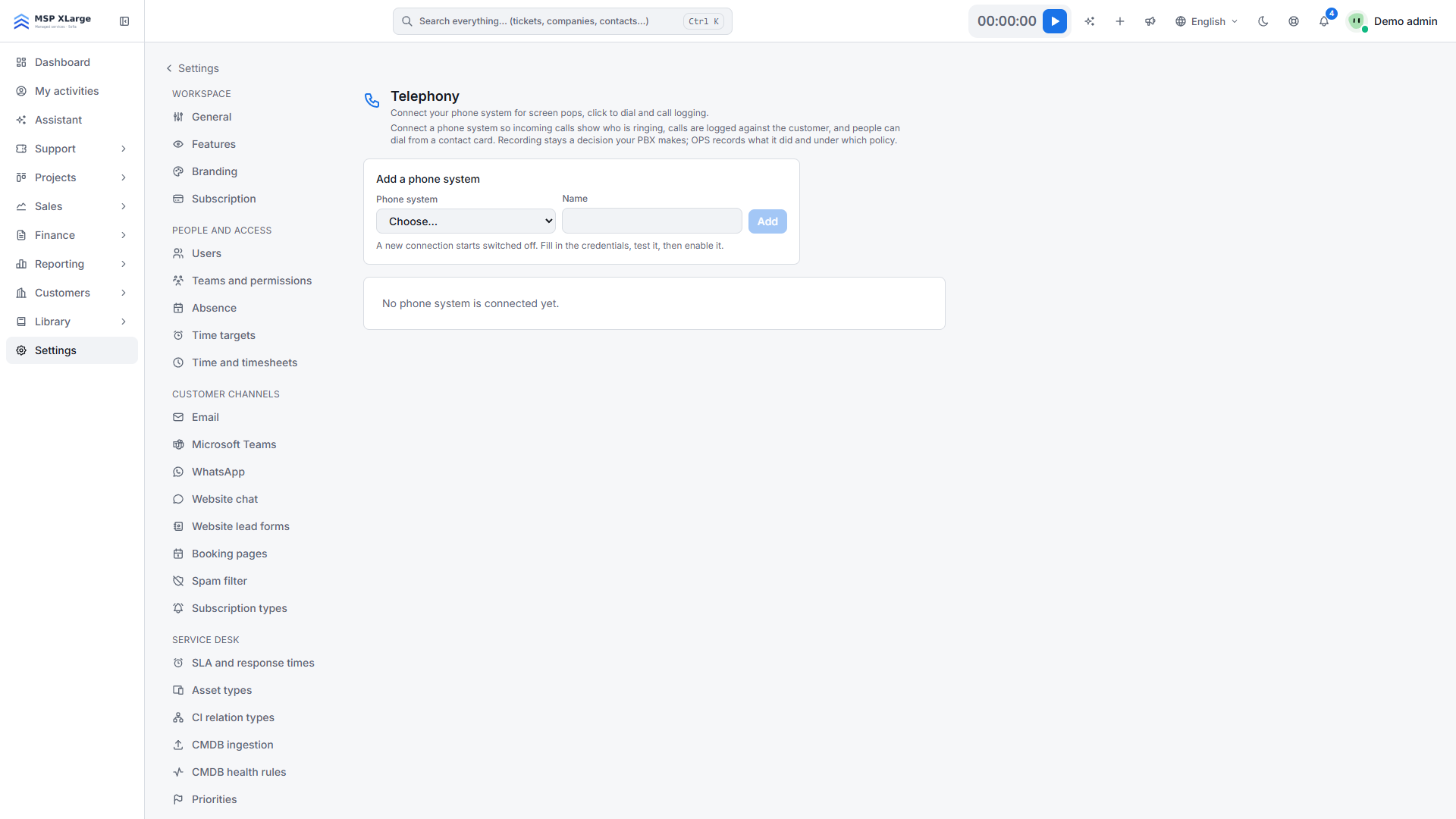 The Telephony page with a phone-system dropdown, a name field and the message that no phone system is connected yet.
Fill in Asterisk address (https://pbx.example.com:8089), Manager user (AMI/AJAM), Manager secret. For recordings: Recordings base URL, Recordings user, Recordings password. For reconciliation: CDR database DSN, CDR database user, CDR database password. With a self-signed certificate, tick Accept this certificate. Save.
Step 3: Test, map extensions and enable
- Click Test connection. Expect "The PBX answered over AJAM." and "A recording source is configured." (or a hint if there is none).
- Extensions are not imported. Type each extension and choose who it Belongs to. For a ring group, add everyone with Add person. An extension without a person does not pop.
- Click Enable and place a test call.
What happens after you connect
- Incoming calls: OPS reads Asterisk's call events in short slices. The Calls dock shows who is ringing, with Open contact, Open company, New ticket (pre-filled with the number) and Add as contact. A transferred call stays one call.
- Click-to-call: with your own extension (not a ring group), Asterisk rings your phone first ("Calling you first…"), then the customer. OPS never carries audio. Afterwards, "How did the call go?" captures the outcome.
- Call log: every call lands on the contact's and company's CRM timeline, linked to the most recent open deal. Not on tickets. Unknown numbers go to Unknown callers; OPS never creates contacts on its own.
- Missed calls notify the person whose phone rang, or else the deal owner.
- Recordings are fetched after the call, matched to the right call and played inside OPS, with a log of who listened. Missed calls are never fetched.
- Reconciliation: with a CDR database set, OPS fills gaps every night.
Good to know
- HTTPS only: OPS never sends manager credentials over plain HTTP.
- OPS fetches recordings only from an HTTPS folder.
- OPS starts outgoing calls in the from-internal context.
- Two-channel recording doubles disk use, but lets call summaries separate caller and agent. Call summaries are off by default (Settings → AI) and use AI credits.
- OPS does not delete recordings on your Asterisk. The manager secret cannot be read back after saving.
Troubleshooting
- "The base URL is not HTTPS." Put the AJAM endpoint behind TLS.
- "The PBX did not answer over AJAM: …" Check that the manager user exists, that its permit line includes the OPS address and that the port is open to it.
- "No recording source is configured." Serve the monitor folder over authenticated HTTPS and apply the dialplan snippet.
- No recordings, no error: the file naming in the dialplan was changed.
Get started
Let your own Asterisk work with your CRM and service desk. Get started for free. Read more about the EU integrations in OPS and sales and billing.