Connect your own MikoPBX, on-premises or on a VPS, to Xcellerate OPS. Incoming calls pop the matching contact, every call is logged on the customer's CRM timeline, and your team can click to call from OPS.
TL;DR
- OPS reaches your MikoPBX over HTTPS with a REST API key (ideally plus a login) and an AJAM manager user. The PBX must be reachable from OPS.
- Incoming calls pop the contact, calls are logged on the CRM timeline, extensions are imported and recordings are pulled into OPS.
- Without AJAM there is no click-to-dial, and pop-ups can arrive a few seconds late.
Before you start
In MikoPBX:
- HTTPS is enabled on the web interface. Plain HTTP is refused.
- A REST API key (System → API) of 64 hex characters, with read access to sip, employees, cdr and pbx-status. Or a login and password without two-factor authentication. Best: both, because MikoPBX only serves the call journal to a signed-in user.
- An AJAM manager user (Asterisk Manager Interface; a manager user, not a web user) with the classes call, originate, cdr and reporting, and a permitted network that includes the OPS address. Port 8089 must be open over TLS.
- Recording switched on in MikoPBX if you want recordings in OPS. OPS never turns recording on.
In OPS, you are a workspace admin, or you have permission to manage calls at contribute level.
Step 1: Add MikoPBX in OPS
In OPS, go to Settings → Data and security → Telephony. Under Add a phone system, pick MikoPBX, enter a Name and click Add. It starts switched off. The card also shows Our address, for your firewall: allow that address on your firewall and in the AJAM user's permitted network.
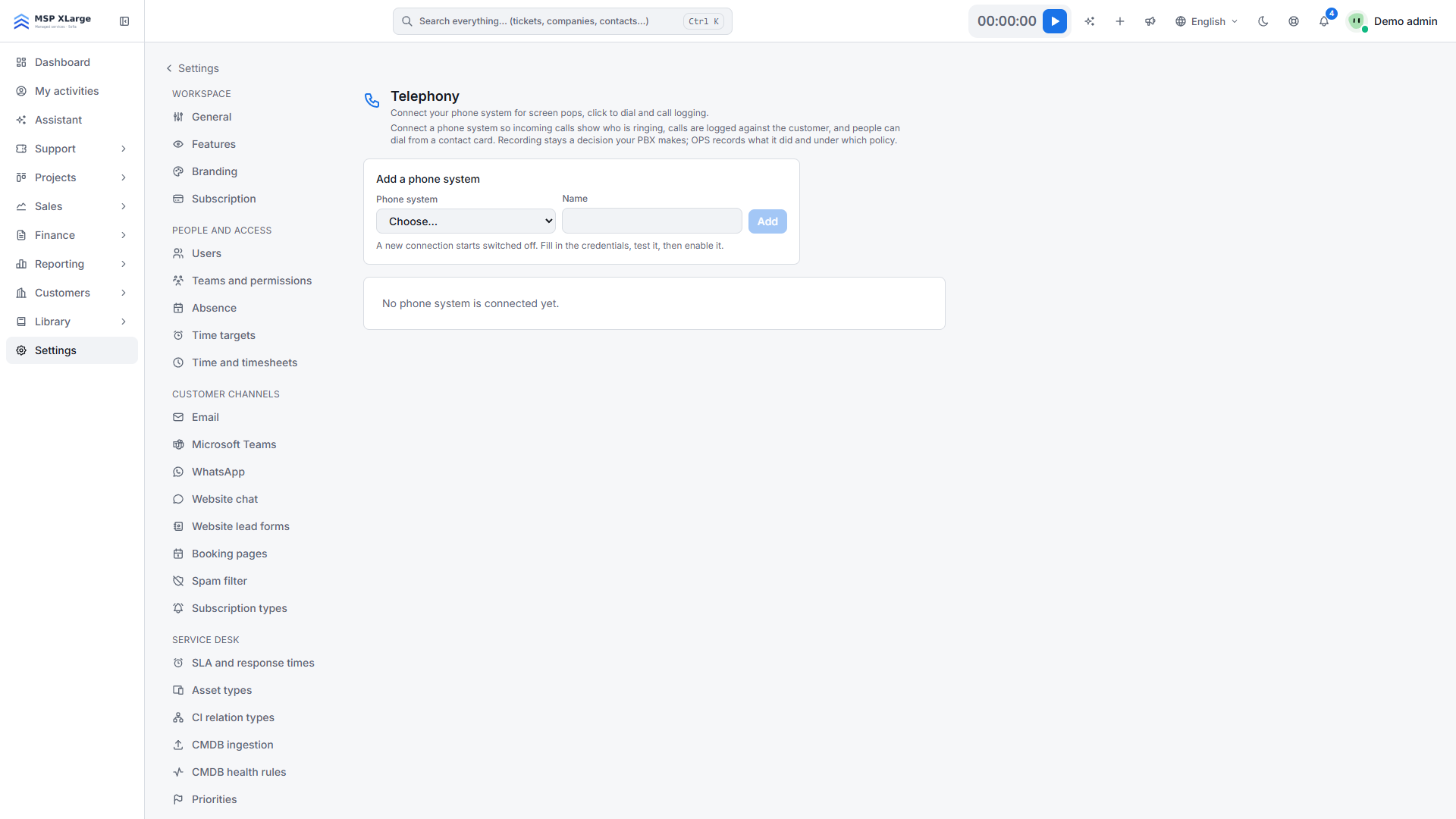 The Telephony page with "Add a phone system", a phone-system dropdown and a name field; no phone system is connected yet.
Step 2: Fill in the connection details
- PBX address, for example
https://pbx.example.com
- REST API key and/or Login and Password
- AJAM manager user and AJAM manager secret
- AJAM address only if AJAM runs on another host or port. By default, OPS uses the same host, port 8089, over HTTPS.
For a self-signed certificate, tick Accept this certificate under that address (saved immediately; the connection stays encrypted). Then click Save.
Step 3: Test the connection
Click Test connection. OPS checks, in order: HTTPS, the saved credential, the REST API, the employee list, the call journal and the AJAM login. If AJAM fails, OPS checks whether active calls can be polled instead.
Step 4: Import extensions
Click Import extensions and pick the person under Belongs to for each extension; OPS suggests matches based on e-mail address. For a hunt or ring group, use Add person for each member.
Step 5: Enable and test
Click Enable, then call in from a number stored on a contact.
What happens after you connect
- Live call events (PBX → OPS). OPS reads MikoPBX events through AJAM in short intervals. When a phone rings, the Calls dock at the bottom right shows who is calling: the contact straight away on an exact number match, otherwise with "Best guess — check before you use the name." From the pop-up you can open the contact or company, add the caller as a contact, or start a New ticket pre-filled with the number (see the service desk).
- Call logging. Every finished call is logged on the CRM timeline of the contact and company, with its duration, and linked to the most recent open deal (you can change this). Calls are not attached to tickets automatically. Unknown numbers go to Unknown callers; OPS never creates a contact by itself.
- Click-to-dial (OPS → PBX, through AJAM). Your own phone rings first, then the customer. Audio never passes through OPS.
- Nightly check. Every night OPS fills gaps from the call journal, without duplicates.
- Recordings are fetched from the call journal with the same credentials. Every play or download is logged.
Good to know
- MikoPBX does not show the caller's name on the handset; you see it in OPS.
- Without AJAM there is no click-to-dial. If active-call polling also fails, there is no pop-up at all, but calls are still logged afterwards.
- A PBX that OPS cannot reach cannot be connected.
- Recordings are not deleted on the PBX.
- AI call summaries are a separate switch, Call summaries under Settings → AI, off by default; they use AI credits (see AI assist).
Troubleshooting
- "The base URL is not HTTPS." Use an https:// address.
- "MikoPBX rejected the API key." Check it was copied whole (64 hex characters). An account with two-factor authentication cannot be used. If only the call journal is refused, fill in Login and Password as well.
- "Authentication failed" on AJAM. Wrong secret, or the OPS address is not in the permitted network: check the PBX log. "Permission denied": grant call, originate, cdr and reporting. Certificate error: tick Accept this certificate under the AJAM address.
Want to see who is calling before you answer? Get started for free and connect your MikoPBX.