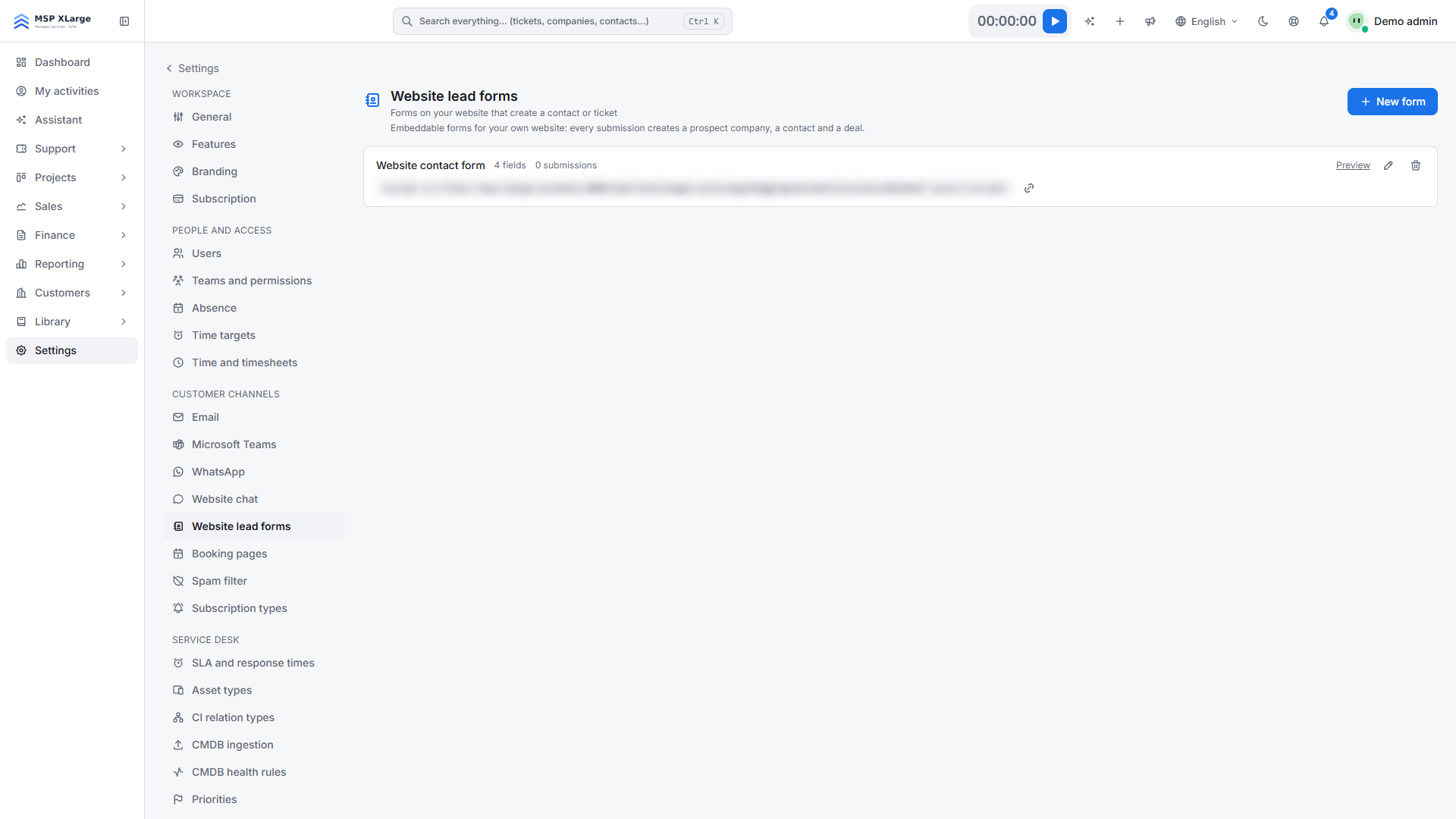
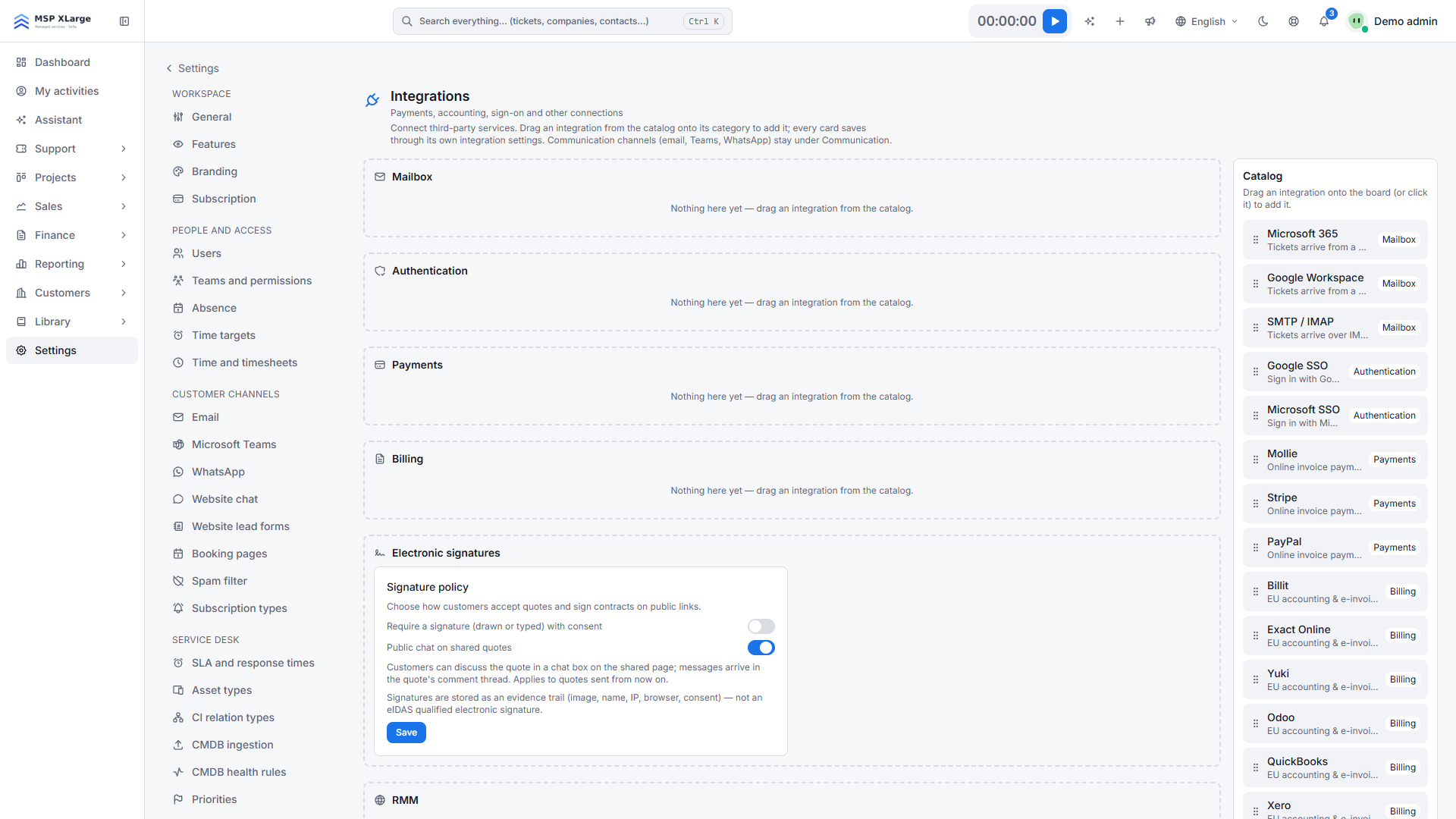
With CRM enrichment, Xcellerate OPS looks up the LinkedIn company page or LinkedIn profile of a new company or contact and fills in fields that are still empty. Less typing, a more complete CRM. This guide is for admins of IT MSPs and service businesses that use OPS as their CRM.
TL;DR
- You need no LinkedIn or other external account: RMM Labs manages the data source on the platform.
- An admin switches enrichment on for companies, contacts and private customers, each with its own switch.
- OPS only fills empty fields and never overwrites anything you typed yourself.
Before you start
- You are an admin of your OPS workspace.
- There is nothing to set up with an outside service. Which data source is used is managed by RMM Labs on the platform.
- All switches are off by default, including in existing workspaces.
Switch on CRM enrichment
Step 1: open the settings
Go to Settings → Sales and catalog → CRM enrichment.
Step 2: check the source
The line at the top of the page says where matches come from and that the source is configured on the platform. If it says no provider is configured, the switches are greyed out. In that case, contact RMM Labs.
Step 3: choose what to enrich
- Enrich companies: finds the LinkedIn company page and fills in the website.
- Enrich contacts: finds the LinkedIn profile and fills in job title and department. This switch is only available if the platform's source can look up people.
- Enrich private customers: optional, and only usable while Enrich contacts is on. Turning contacts off turns this off too.
Then click Save.
Step 4: test it
Create a company with a website, or open an existing company or contact and click Find on LinkedIn.
What happens after you switch it on
- Automatic. When a company or contact is created, OPS runs one lookup in the background, if the switch for that type is on.
- On demand. Find on LinkedIn runs immediately. Any user allowed to edit the company or contact can use it. A new contact shows "Available once the contact is saved" until you save it.
- What gets filled. For a company, the LinkedIn URL and website; for a contact, the LinkedIn URL, job title and department. Only empty fields are filled. Once found, you can open the link with View company page or View profile.
- No match. If the source finds nothing, OPS remembers that, so the record is not looked up again. If the source could not be reached, you can retry later.
- Existing records. Enrich them one by one with Find on LinkedIn.
Good to know
- There is one data source for the whole platform; it is not chosen per workspace.
- Some sources only find company pages. In that case, Enrich contacts stays unavailable.
- Each user can run up to 20 lookups per minute with the button.
- Companies and people have separate switches because a person's profile is personal data.
- A contact's first match is written to that contact's consent log, with legitimate interest as the basis. This helps you handle GDPR requests. Erasing a contact also removes the stored profile.
- Private customers are never enriched unless the third switch is on, and AI never turns them into prospects, whatever the switches say.
- Enrichment is also available through the REST API with an API key.
Troubleshooting
No enrichment provider is configured on the platform yet…: no source is set up yet. Contact RMM Labs.Company enrichment is switched off for this workspace. or Contact enrichment is switched off for this workspace.: turn on the matching switch.The enrichment provider could not be reached.: try again later. If the record is a private customer, first check that Enrich private customers is on.No LinkedIn match was found for this company.: the source found no page. Check the company's name and website.
Read more about sales and billing in OPS. No workspace yet? Get started for free and switch on CRM enrichment.