Onboarding28 Sept 2026
One tool for requests, a second for projects, a third for hours and a fourth for invoices? How Xcellerate OPS covers the path from the first request to the invoice in one platform, developed and hosted in the EU.
Many service businesses work with a toolbox that has grown over the years: a mailbox or helpdesk for requests, a project tool, an app for time tracking, a program for quotes and invoices, and a spreadsheet that holds it all together. Each tool works on its own. The problem sits in between. Hours get entered twice, information gets lost when copying, and at the end of the month someone has to gather the billable time.
Xcellerate OPS is a service platform that starts with the service desk and grows with your business: projects, budgets, quotes, time registration and invoices. It is developed and operated in the EU and built for service teams across Europe, from IT service providers and system integrators to agencies, consultancies and technical service companies.
Your customers get in touch the way that suits them. In OPS, these channels land in the same service desk and become tickets:
Every ticket has a status, priority, customer, assignee and SLA deadlines. The AI assistance pre-sorts requests, drafts replies, summarises long threads and checks quality. You decide per action how independently the AI may work.
The guide Connect your mailbox, Teams, WhatsApp and chat to Xcellerate OPS shows how to connect each channel.
Not all work is a ticket. For larger jobs you plan projects with tasks and budgets. In sales you manage a sales pipeline, create quotes and close contracts. You can share a quote as a link. Your customer accepts it online with a drawn or typed signature, with proof of consent.
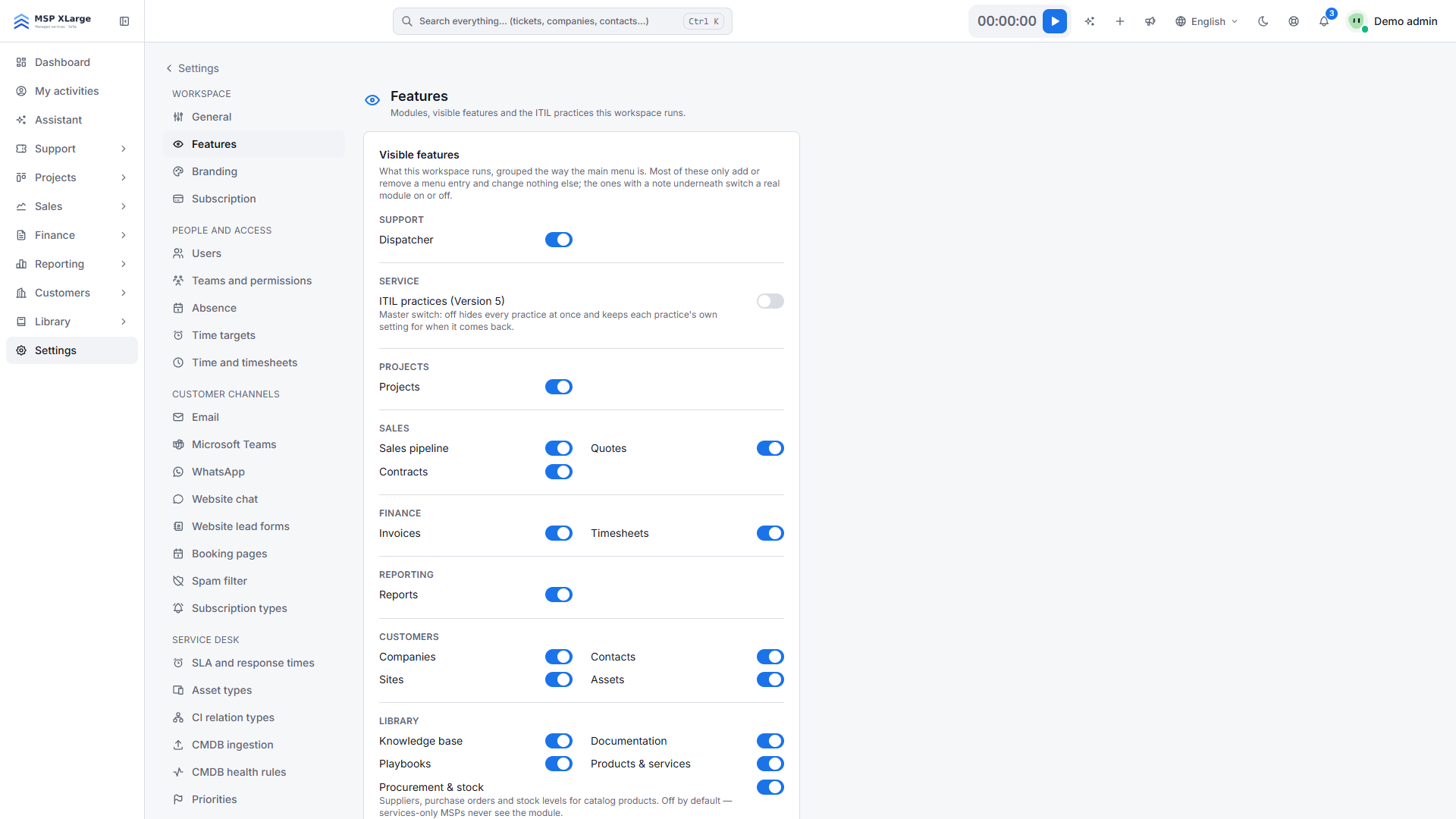
You only switch on the modules you need. Everything else stays out of the menu until you activate it.
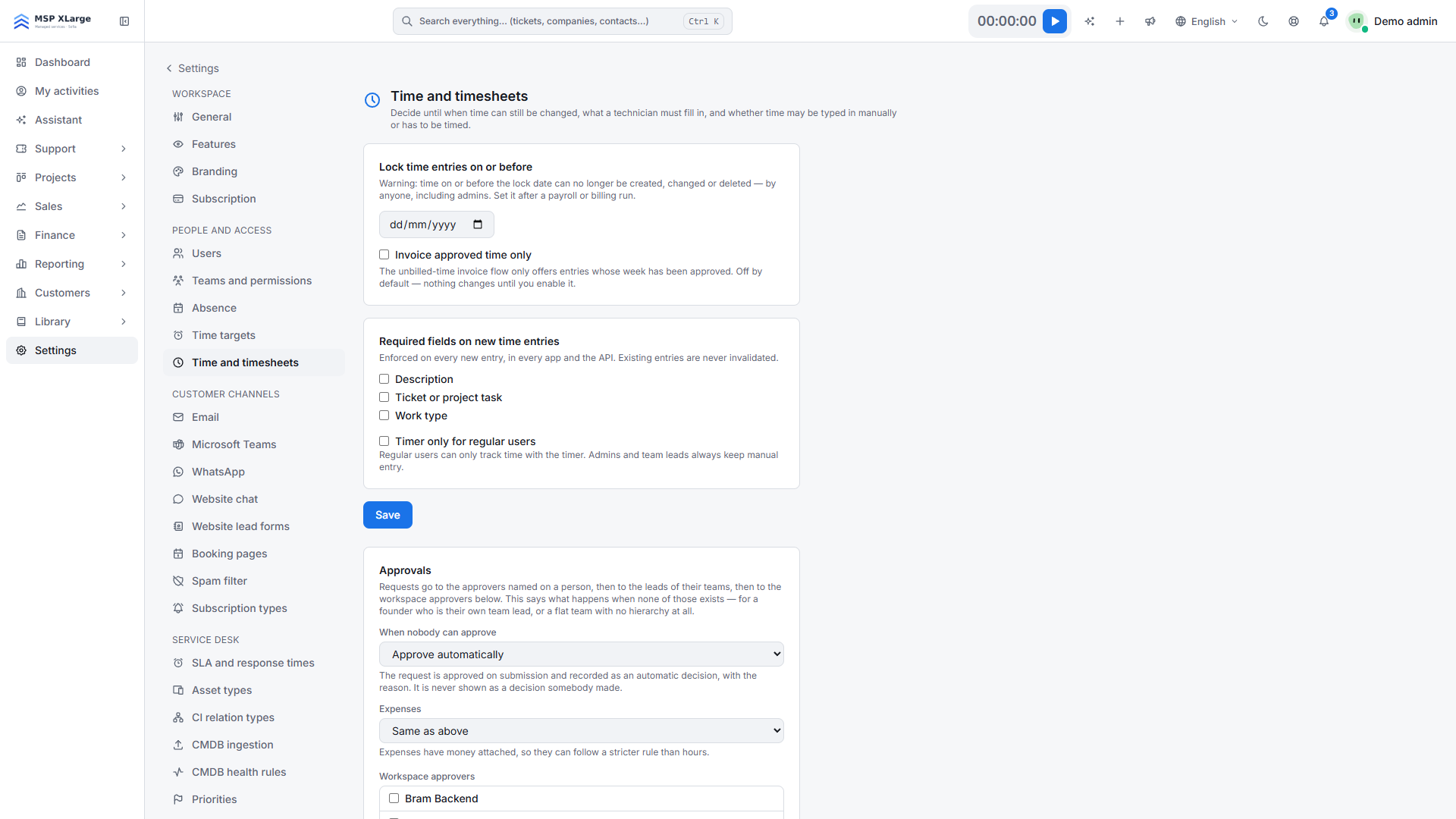
Time is recorded where the work happens: with the timer right on the ticket or on the project task, or afterwards in the timesheet.
More on this: Time tracking, timesheets and approval in Xcellerate OPS.
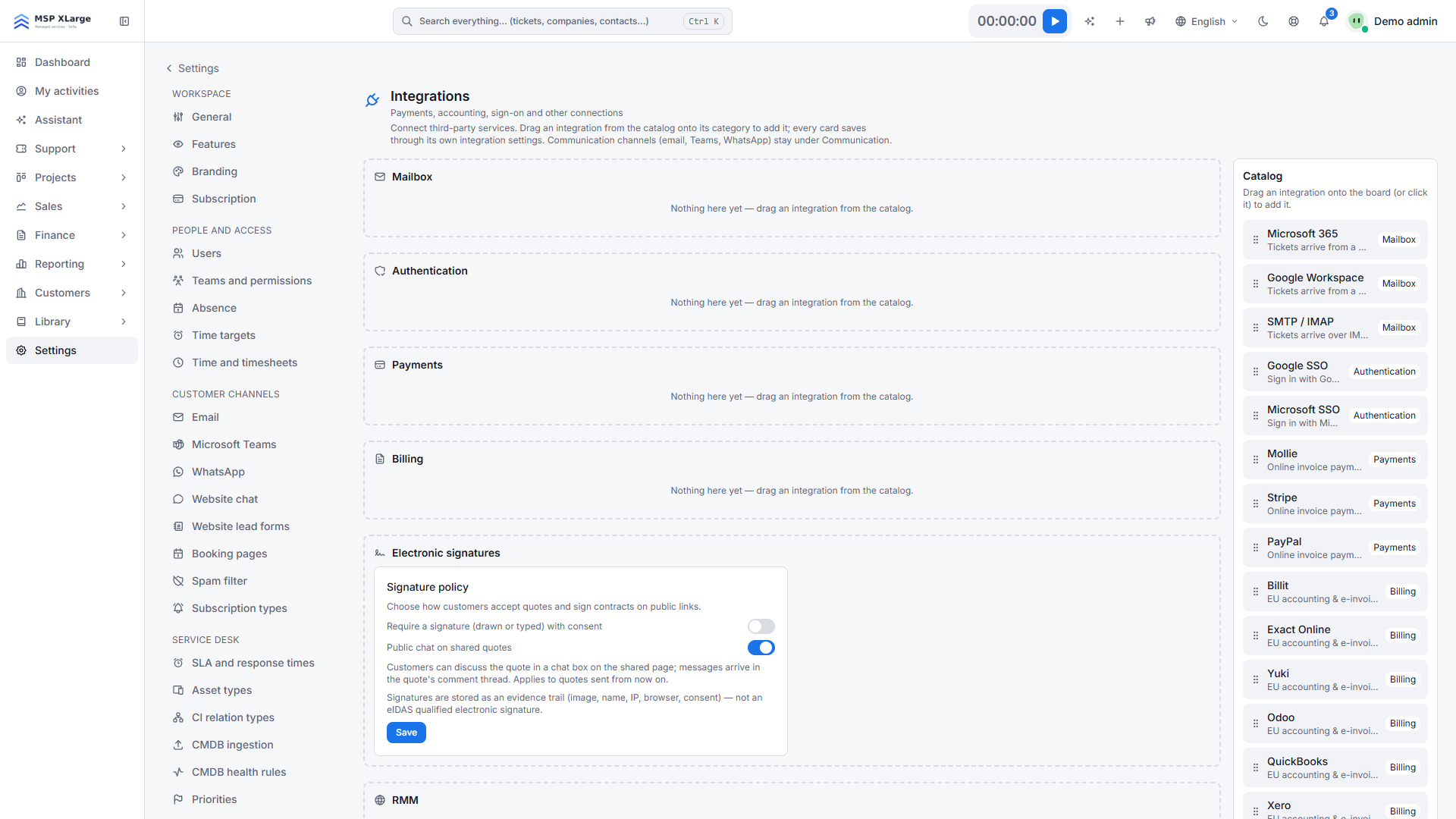
Recorded and approved hours flow into invoicing, without anyone retyping numbers from a spreadsheet. For online payments you can connect payment providers such as Mollie, Stripe and PayPal.
Before you switch, check with us which accounting and e-invoicing connections you need. We will tell you openly what OPS can and cannot do today.
The interface for team members is available in 25 languages. Each person works in their own language, with their own date format and time zone. This helps teams with offices in several countries and colleagues whose first language isn't English.
Clarify your company's data protection obligations with your data protection advisor. OPS gives you the tools for it.
Most teams don't switch in a single day. This is what the switch can look like:
Xcellerate OPS covers Belgian 2027 time registration requirements out of the box — no extra module needed.